
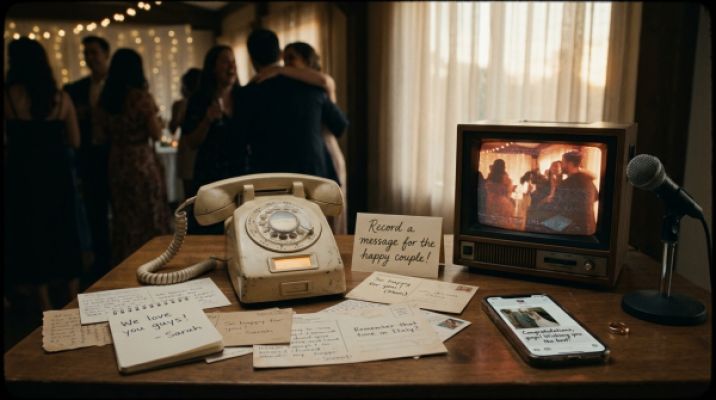
Audio Guestbook & Video Booth: Memories with Soul
Voices over words, motion over stills: How an audio guestbook and video booth transform your wedding memories forever.
Photobox not there? With Wedset Picture Hub, collect all guest photos via QR code. Plus last-minute ideas to secure your memories.
You’ve thought of everything—the decor is perfect, the playlist is ready—only the Photobox hasn’t arrived. Before your pulse starts racing, here’s the reassuring news: your memories don’t depend on a single device. With a few smart moves and the right platform, you can elegantly shift the focus to what truly matters—authentic moments you’ll want to relive again and again.
A Photobox lowers the barrier. Guests take photos naturally, whether during the aperitif, midnight snack, or on the dance floor. It creates a dedicated space for fun and spontaneity. You can replicate this principle even without the device: give your guests a clear way to share photos and make it as simple as possible.
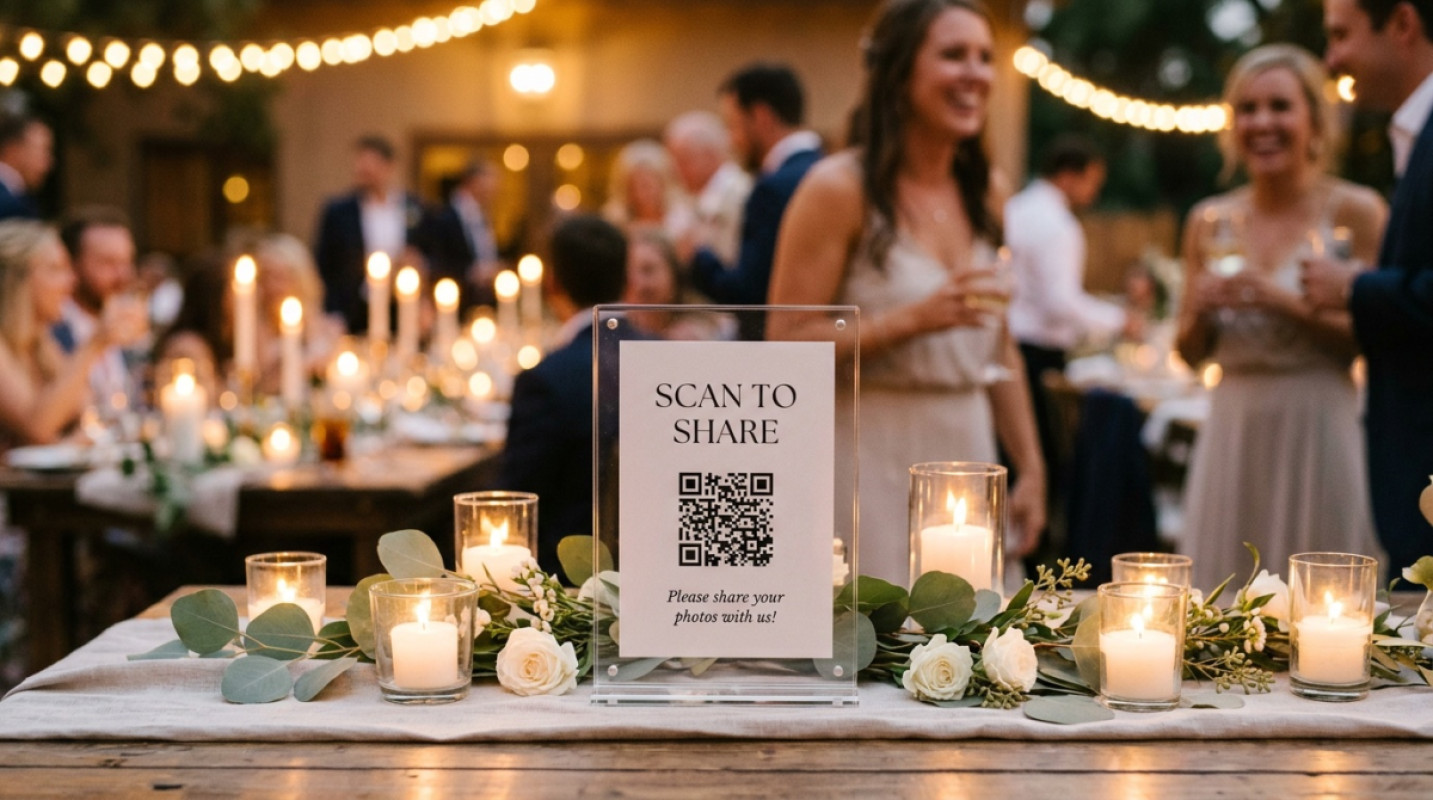
Instead of waiting for hardware, open Picture Hub and be ready in minutes. Everyone scans a QR code, uploads photos and short clips, and sees the highlights collected—no app, no lengthy setup. Here’s how it works in practice:
What you’ll love immediately: full-resolution uploads for high-quality wedding photos, a streamlined permissions system with PIN protection for private sharing, and a download link you can send to everyone the next day. If you like, display the best guest photos as a slideshow during the party.
Appoint two people with an eye for detail as your mini Content Creator team. A quick plan helps: getting-ready vibes, first look at the venue, dance floor starting at 10 PM. Vertical clips of 5–10 seconds will later create dynamic Reels and Stories.
Place a disposable camera on each table with a small card: “One photo per person—your perspective on our day.” It complements digital uploads beautifully. Label the cameras so nothing gets lost, and collect them centrally toward the end.
A simple photo wall works anywhere. A neutral fabric, a few flowers from the decor, a subtle ring light. Place a QR code next to it and three ideas on a small card: “Group hug,” “Confetti at the camera,” “Your favorite view.”
Give your guests small photo missions. For example: “The funniest dance move,” “The most detail-obsessed accessory,” “Your advice for the couple as a selfie with text.” Missions are fun and fill the Hub with diverse perspectives.
With Picture Hub, contributions land in one place. You don’t have to decide anything today. Just mark favorites and build a small highlight gallery tomorrow to share with your loved ones.
From experience, we know: the more visible the QR code, the more uploads you’ll get. A quick mention from the DJ or best woman works wonders. And here are three micro-tips that make an immediate impact:
Picture Hub is part of the Wedset ecosystem, which makes your planning quieter and easier. For an overview, check out Stress-free Wedding. There, you’ll find tools that bring calm behind the scenes while you enjoy the magic up front. Today, you start with Picture Hub; tomorrow, you’ll curate your favorite moments; and the day after, you’ll celebrate a complete album that truly tells your story.
Whether the Photobox arrives or not, you’re prepared. With Wedset Picture Hub, you’ll collect all your guests’ perspectives in minutes and can supplement them with instant cameras, a mini photo wall, and a small Content Creator crew. That way, your focus stays where it belongs: on your celebration—and on photos that feel like you.
In just a few minutes. Generate a QR code, place it visibly, and announce it in one short sentence. Guests upload without an app.
Mix formats. Use Picture Hub for everyone with a smartphone, plus a disposable camera per table or a small photo wall as an analog anchor.
Not necessarily. A Photobox is a nice add-on. With Picture Hub, clear photo missions, and good lighting, you’ve already covered the essentials.
wedset.app helps you plan your dream wedding. From the guest list to the timeline - we have everything under control.
More ideas and experience for the planning ahead.
Voices over words, motion over stills: How an audio guestbook and video booth transform your wedding memories forever.

A civil ceremony doesn’t replace the registry office. Here’s how to smartly plan both dates in Münster & Dortmund—withou...

Doubting whether to ask your partner? 7 honest signs of emotional readiness plus a courage toolkit to quiet the uncertai...