Your wedding website, made for you.
Your wedding website: easy to create and change, for everyone. Share your story, events, and RSVPs in one place. Professional, with no design skills needed.
Trusted by couples worldwide.


Easy to use editor
Change content, reorder sections, and show or hide blocks without any tech skills. Add text, galleries, and links in a few clicks. Your wedding site stays up to date as your plans evolve.
Professional from the first second
Your wedding website looks polished from day one. No design degree needed. Our structure and styling make every page feel intentional and elegant, so you can focus on your story and your guests.

For every kind of wedding
Whether you’re planning an intimate wedding or a big celebration, your wedding website grows with you.
Intimate weddings
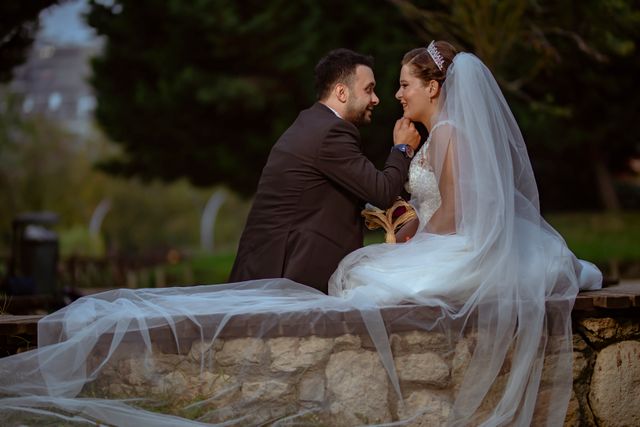
Cover the basics: your story, event details, RSVP, and a few links. Clean and straightforward.
Big events
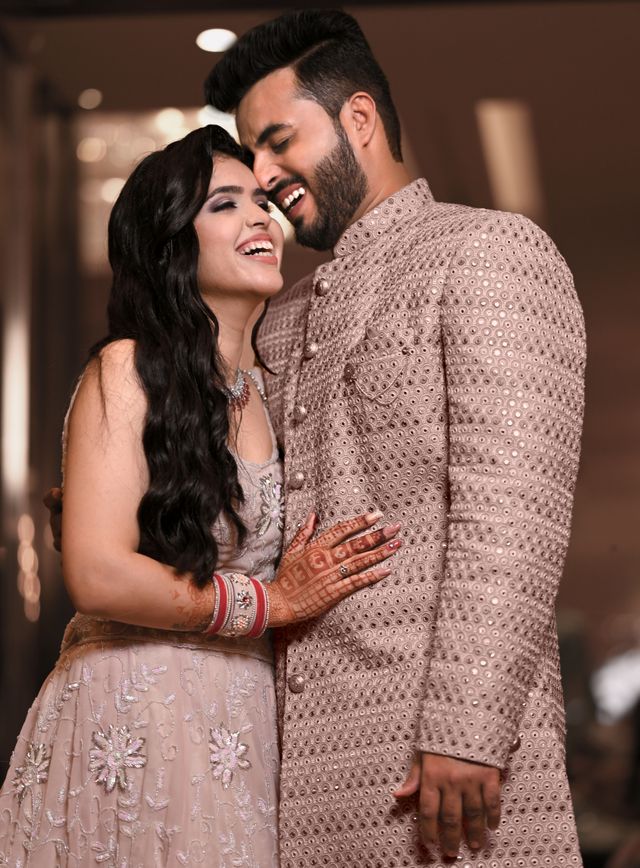
Multiple events, different dress codes per event (e.g. Indian weddings), and plenty of space for your love story, gallery, and directions. One website that scales with you.
Intimate weddings Big events
Why it’s made for you
wedset.app is built so you get a clear, welcoming page without clutter, just right for intimate celebrations.
- Few building blocks, only what your guests actually need.
- No busy design. Focus on your story and the essentials.
- Quick to set up, easy to keep updated.
What it helps you with
- One place for date, venue, and schedule.
- Collect RSVPs without paper chaos.
- Share links (registry, accommodation, parking) in one spot.
- Tell your love story briefly and personally.
How it works
In the editor you choose the blocks you need: text, event details, RSVP form, gallery, or links. Change the order and you’re done. No tech skills required.
Why it’s made for you
For multi-day or large celebrations you need a website that keeps up: multiple events, different info per day, lots of guests. That’s what wedset.app is designed for.
- Multiple events with their own date, venue, and dress code (e.g. for culturally diverse weddings).
- Plenty of space for a longer love story, galleries, and travel info.
- One site for everyone. Guests find their programme and all details in one place.
What it helps you with
- Overview of all programme points and events in one place.
- Per-event details: dress code, times, venues, directions.
- RSVPs per event or overall, however you need it.
- Share galleries, accommodation, travel, and links (e.g. registry) in one spot.
How it works
You create multiple events and add the right blocks to each. The same blocks (text, gallery, RSVP, links) are used flexibly. Your website grows with your plan.
Introduce Mia & Finn
See a sample wedding website
See how a wedding invite page looks for your guests. Events, RSVP, and your content in one place.
Made for every couple
Pick a look that feels like you
Every theme is designed to be warm, legible, and RSVP-ready — on grandma’s phone and on your laptop. Tap a theme to preview the same example wedding in that style.
-
Preview this theme
Classic
Timeless serif type, ivory and sage — restraint done right.
- #Timeless
- #Elegant
- #Serif
-
Preview this theme
Scrapbook
Handmade warmth: cream paper, washi tape, and notes written at 2am.
- #Handmade
- #Cozy
- #Bold
- #WashiTape
-
Preview this theme
Bloom
Hydrangea-garden romance — linen paper, periwinkle accents, Fraunces italic.
- #Garden
- #Romantic
- #Elegant
- #Floral

More than 16 building blocks to create your website
Everything you need on your wedding website
Building blocks are content modules you add and arrange in the editor to build your wedding website: headings, text, images, galleries, RSVP forms, event details, and more. Just drag, drop, and customize.
Header
The first thing guests see. Display your wedding title, a beautiful description, and an optional countdown timer. Essential for creating a memorable first impression.
Invite Form
Let guests RSVP directly on their personalized invite page. Collect responses, dietary preferences, and guest information. Automatically syncs with your guest list. Only available on invite pages.
RSVP Section
Add an anchor point on your page that links to the RSVP section. Perfect for adding buttons or links that scroll to the invite form. Can be placed anywhere on your page.
Schedule
Automatically display your event timeline. Shows dates, times, and details from your events. Updates automatically when you modify events. Helps guests plan their day.
Locations
Show all your event venues with maps and addresses. Automatically pulls from your events. Essential for helping guests find ceremony and reception locations easily.
Dress Code
Show dress code information for your events. Displays text and inspiration images you've added to each event. Only visible when at least one event has a dress code set.
Announcements
Share updates, changes and important information with your guests. Announcements appear on the wedding website and can be sent via email.
Custom Message
Display a personalized message for each guest on their invite page. Perfect for making each guest feel special with a custom greeting. Only available on invite pages.
Text
Share your story, important information, or announcements. Supports markdown formatting and can include an image. Perfect for welcome messages, ceremony details, or any written content.
Links
Share important links like your registry, accommodation options, or travel information. Display as a clean list or grid. Great for helping guests find what they need quickly.
Gallery
Showcase your favorite photos in a beautiful gallery. Choose from masonry, carousel, or featured layouts. Perfect for engagement photos, venue previews, or sharing memories with guests.
Separator
Add visual separation between content blocks. Choose from simple or elegant styles with optional text. Perfect for organizing your page and creating visual breaks.
Photo Gallery
Display guest photos from your Picture Hub. Choose between classic and polaroid layouts.
Monogram
Display an elegant monogram with couple initials and optional wording. Perfect for creating a sophisticated branding element that instantly signals this is a wedding invitation.
Guest Reactions
Let your guests send a quick reaction — a heart, a cheer, or an "I'll be there." A lightweight signal, not a full RSVP.
Date & Countdown
Show your wedding date with a beautiful countdown timer and optional location teaser. The centerpiece of your Save The Date page.
4 couples · 4.8 out of 5
What couples say about their wedding website
See how others use wedset.app to share their day with guests.
Wir konnten mit Wedset das Gästemanagement unserer Hochzeit super organisieren. Wir hatten jederzeit im Blick, wer kommt und wer nicht und ob die Gäste in Bezug auf beispielsweise Essen Angaben zu „Besonderheiten“ gemacht haben. Auch für die Gäste war es total easy. Einfach den Wedset-QR-Code aus unserer Einladung scannen und Zu- oder Absagen. Wenn etwas technisch nicht funktioniert hat, wurde sofort vom Support reagiert. Alles im Allem ein super Wedding-Planer.
Unkompliziert- einfach - digital a smart Einfach super !
Die App hat uns geholfen den Überblick unserer Gäste zu behalten. Welche Rückinfo steht noch aus, wie sieht es mit Zu-oder Absagen aus, die genaue Anzahl. Alle Gäste in einer Übersicht. Super easy!
Every review here comes from a couple who used wedset for their own wedding.
FAQ about your wedding website
A wedding website gives your guests one place for all the details: when and where, how to RSVP, your story, photos, and links (e.g. registry, accommodation). It saves you from repeating yourself and keeps everyone up to date. With wedset.app, your site looks professional from the start and is easy to update.
Our editor is built for couples, not developers. You add and arrange blocks (text, gallery, links, schedule, RSVP), change the order, and show or hide sections as you like. Updates are instant. No coding or design skills required.
Yes. You can add several events (e.g. ceremony, reception, pre-wedding party), each with its own date, location, and dress code. Perfect for bigger or multi-day celebrations, including weddings with different dress codes per event.
Absolutely. Use text blocks for your story, gallery blocks for engagement or pre-wedding photos, and links for anything else. You have full control over how much you share and how it’s presented.
You can start for free. Check our pricing page for current plans and what’s included. The wedding website and RSVPs are part of the subscription, at no extra charge.
Several celebrations, one list
Your celebrations, your plans.
A dress code and schedule for every celebration, visible only to the people invited:
Your website can do more: it shows every guest only the events they are invited to.
See how to plan multiple wedding events with one guest list.One website for your wedding. Easy to create, professional to show.