

Save-the-Date 2027: More Than Just a Card
Why a Save-the-Date for 2027 often comes too early—and how to turn your card into a lively conversation with your guests...
New feature from wedset.app: Send digital Save-the-Dates with one-click calendar integration, RSVPs, and a link that grows with your wedding.
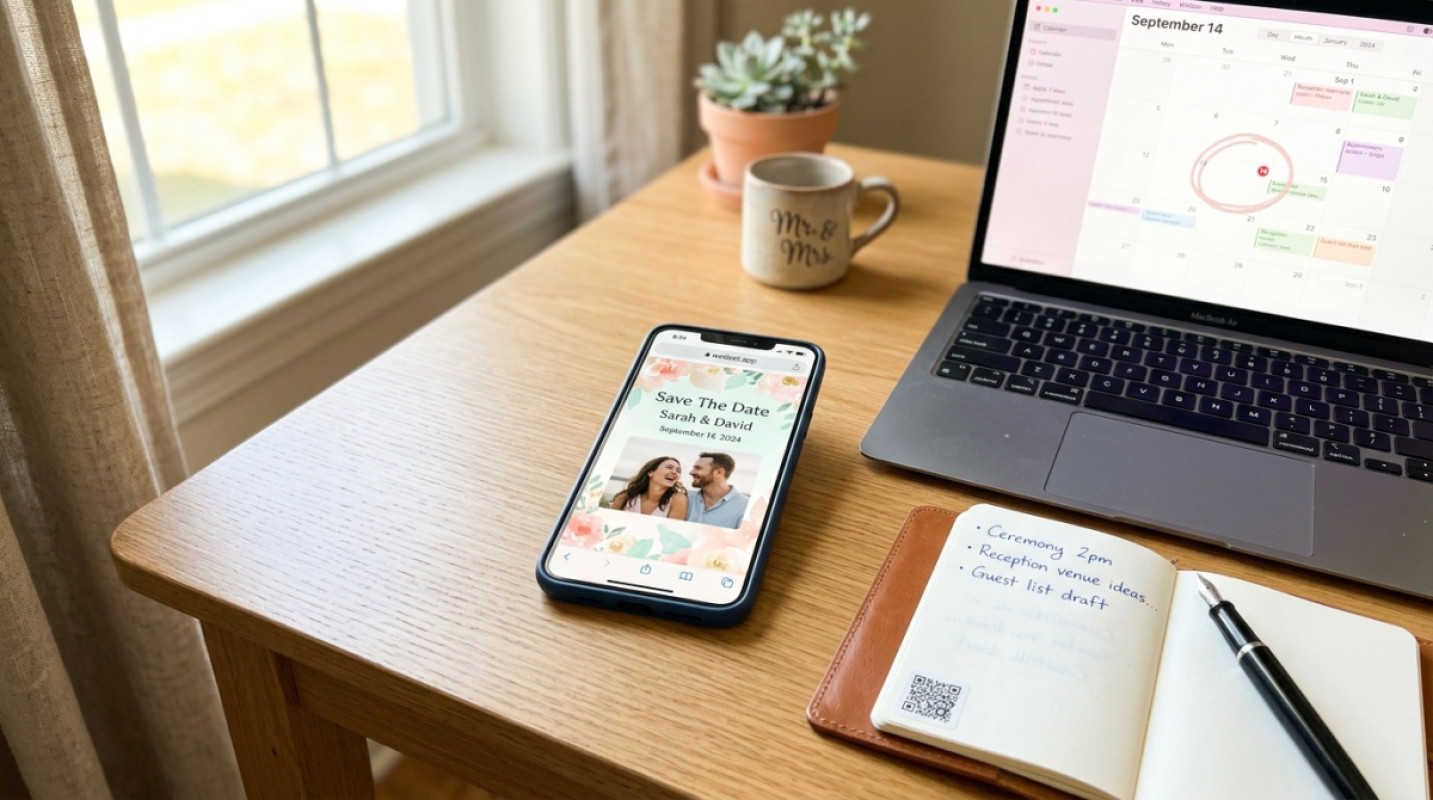
Just engaged, and suddenly the most important question arises: How do we tell everyone? Before booking the venue, florist, or choosing your witnesses, your loved ones want to know when to request time off. That’s exactly why wedset.app’s new Save-the-Date feature exists—turning what used to be a weekend project into a matter of minutes.
No design software, no Excel spreadsheets with addresses, no waiting. Instead, you get a link to share, calendar integration that actually works, and a look that matches your style.
Let’s be honest: most guests will add your date to their phones anyway. Printing physical cards costs time, money, and nerves, and in the end, the information still ends up digital. Especially when friends are traveling from London, Vienna, or Zurich, a digital touchpoint isn’t just more practical—it’s more reliable: no lost mail, no misspelled addresses, no timezone confusion.
And for you as a couple, it means one thing above all: you can get started as soon as the date is set. No weeks of lead time, no waiting for deliveries.
The process is intentionally kept short. After signing up on wedset.app, you create your wedding project, enter the date and location, and the basic framework is ready.
In the Design Editor, you choose a template and adjust colors, fonts, and imagery to match your style. Upload your engagement photos or keep it minimal with typography only—both work. If you’d like, test the Save-the-Date first by sending it to yourself, share it with your maid of honor for a second opinion, and make adjustments.
Then, share the link. Via WhatsApp, email, or Instagram DM—whatever suits your circle of friends. A QR code is also included for grandparents who prefer scanning over clicking.
This is where it gets exciting. Traditional Save-the-Dates are a one-way street: you send them, hope for the best, and follow up weeks later. With wedset.app, you get immediate feedback. Guests can tap to signal whether they’re tentatively planning to attend. It’s not a binding RSVP, but a realistic early indicator that helps immensely with venue size and budget planning.
A Save-the-Date should not just announce—it should listen.
This might be the biggest difference from anything you’ve seen before. The link you send for the Save-the-Date stays the same when it later evolves into your full wedding website. Your guests save it once, find it in their history, and see more with every visit: first the date and location, later the schedule, dress code, directions, accommodation tips, RSVP form, and wish list.
For you, this means no second wave of emails, no “Here’s the new URL,” and no guests getting lost between the inbox and spam folder. For your guests, it means one familiar place where they can find everything.
Wedding Website Create your personal wedding website — with all the details for your guests. DiscoverWe’ve all been there: an invitation arrives, you think, “I’ll add it later,” and three days later, it’s forgotten. With wedset.app, one click is all it takes to add the date to Apple, Google, or Outlook calendars—complete with location, a link to the website, and an automatic reminder.
It sounds small, but it’s the moment that decides whether someone actually saves your date or puts it off. Less friction means more confirmations. It’s that simple.
The tone should match your style. If you prefer something casual, try: “Save the Date—we’re making it official on June 14, 2026. More info to come, but start clearing your schedule!” If you prefer something more formal, stick with: “We’re delighted to announce that we’ll be getting married on June 14, 2026.” Both work, and both can reflect your personality.
As for timing: eight to twelve months before the wedding is the sweet spot. For destination weddings or international guests, consider sending it even earlier, especially if flights and time off need to be booked.
And if something changes later—a location update, a new program item—just add it to your wedding website. Anyone who saved the link will see it the next time they visit.
Less is usually more. A striking photo or clean typography, your names, the date, and the location. That’s all you need for this first wave. Make sure it’s readable on smartphones, as that’s where 90% of your guests will view it. Light text on a light background is a common pitfall—dark accents and good contrast help.
If you have a color scheme that matches your wedding, use it here. It creates recognition when your full website goes live later.
What if someone can’t scan the QR code? No problem—every message includes a clickable link that works everywhere.
Can I change the design later? Yes, anytime. Colors, images, and text are flexible without changing the link.
What about data privacy? Guest data is hosted in the EU in compliance with GDPR. You control what’s visible and what stays private.
If you’d like to read more about avoiding frustration for wedding guests, the article is worth a look.
Your wedding begins with this one message. It should spark excitement, not create hassle. With wedset.app’s new Save-the-Date feature, you send exactly that: a moment that arrives, sticks in the calendar, and quietly grows into your full wedding website in the background. That’s all you need to get started.
Eight to twelve months before the wedding is ideal. For destination weddings or international guests who need to book flights and time off, you can send it even earlier.
Since the link grows with your wedding website, you don’t need to resend anything. Just update the information in your wedset.app project, and all guests will see the latest details the next time they visit.
Yes. In addition to the link, there’s a QR code, and the website is designed to work directly in any browser—on smartphones or laptops—without requiring an app or account.
Yes, and that’s new. Unlike traditional announcements, guests can tap to indicate whether they’re tentatively planning to attend. A binding RSVP will follow later, but you’ll already have a realistic early indication.
All data is hosted in the EU in compliance with GDPR. You decide which information is publicly visible and which is only accessible to invited guests.
More ideas and experience for the planning ahead.
Why a Save-the-Date for 2027 often comes too early—and how to turn your card into a lively conversation with your guests...

Just engaged and already 40 questions in the chat? Discover how a growing wedding website from day one makes life easier...
A civil ceremony doesn’t replace the registry office. Here’s how to smartly plan both dates in Münster & Dortmund—withou...