

Save-the-Date 2027: More Than Just a Card
Why a Save-the-Date for 2027 often comes too early—and how to turn your card into a lively conversation with your guests...
Gentle templates, perfect timing, and tips for elegantly reminding guests to RSVP—including a Plan B for tricky cases.
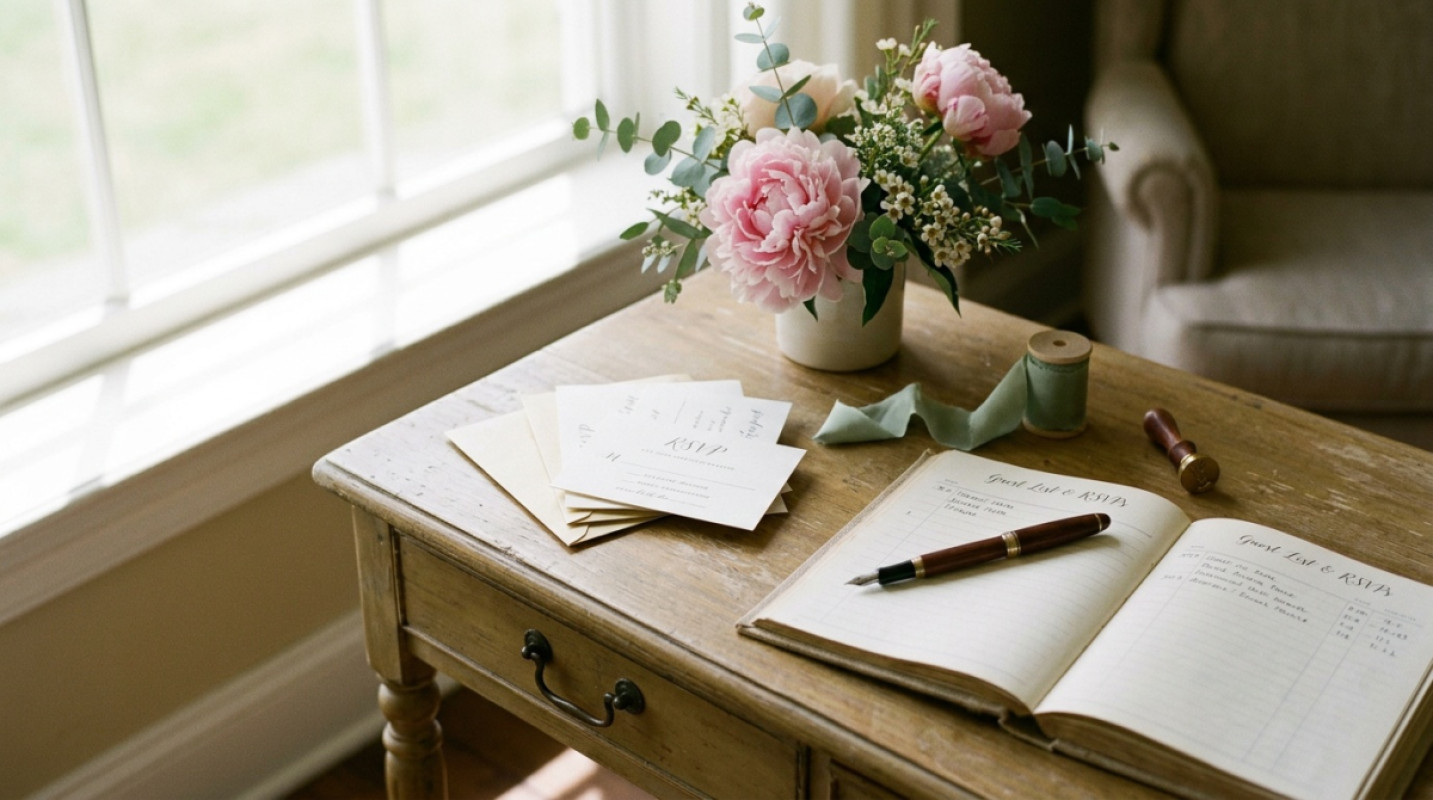
You're deep in wedding planning and need reliable numbers for the venue, catering, and seating chart. The reality? Some guests read the invitation, nod, and set it aside. A polite reminder isn’t a faux pas—it’s a service for everyone. What matters most are tone, timing, and a clear call-to-action.
Tip: Use a central overview like Guest List & RSVP to stay organized.
Focus on being friendly, concise, and unambiguous. Avoid long introductions. Provide an easy way to respond, such as a one-click button or clear yes/no option.
Hi everyone, we’re so excited for our wedding on [date]. Have you had a chance to respond yet? You can quickly confirm or decline here: [RSVP-Link]. Thanks!
Subject: A Quick Reminder for Your RSVP
Hi [Name], we’re finalizing the seating and would love it if you could RSVP by [date]. You can respond here: [RSVP-Link]. Let us know if you have any questions about travel or the menu.
Quick update: Our venue needs the final numbers soon. Could you send your RSVP by [date]? Link: [RSVP-Link]. Thanks, and see you soon!
Hi [Name], it’s [your name]. Just checking in to see if you’ll be able to make it. If so, I’ll note you down right away. If not, that’s totally fine. What should I put down?
For fine-tuning, setting limits per event can help, like for the after-party or registry office. This can be done transparently and fairly via Per-Event Guest Limits.
There’s almost always one. For this person, a slightly more direct yet respectful message helps.
Suggestion:
Hi [Name], we’re finalizing the planning by [date] and will then confirm the menu and seating. To make sure everything’s perfect, I need your response by [time] today. A quick “Yes, I’m coming” or “Sorry, I can’t” via message is all it takes. If I don’t hear from you, I’ll assume you’re not attending, but I can double-check if you get back to me.
This shows appreciation while setting a clear boundary—without coming across as harsh.
Good reminders are friendly, precise, and sent at the right moment. With clear wording, an easy way to respond, and a central guest list, your wedding planning stays relaxed. Use tools like Guest List & RSVP to keep track, and check out Per-Event Guest Limits if you want to streamline individual parts of the program. This way, you’ll get the numbers you need elegantly and free up your mind for what really matters: your celebration.
Three waves are usually enough: 3 months, 2 months, and 4 weeks before. After that, only follow up with individuals—briefly and politely.
Offer an alternative: a quick reply via message or phone. Then update your central overview accordingly.
No, as long as it’s worded politely and includes a reason, like catering or seating. Clear information helps everyone.
wedset.app helps you plan your dream wedding. From the guest list to the timeline - we have everything under control.
More ideas and experience for the planning ahead.
Why a Save-the-Date for 2027 often comes too early—and how to turn your card into a lively conversation with your guests...

Why you don’t book your dream date at Münster Registry Office—you win it in a lottery. Plus: the truth about the colour-...
Constantly second-guessing decisions you’ve already made? Here’s how to break the decision loop in wedding planning.