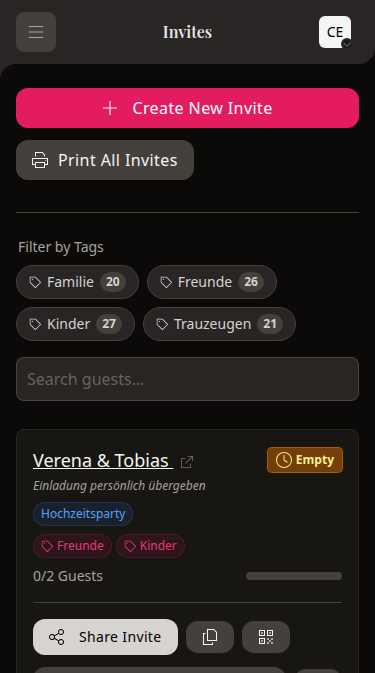
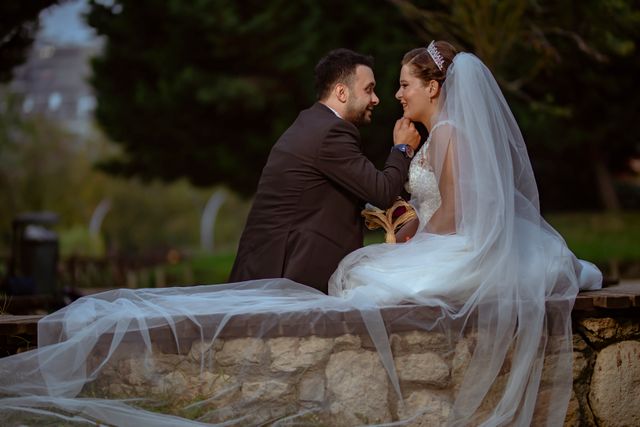
Civil ceremony
Friday · 11:30 am
One wedding. Not one invite for everyone.
You decide who joins what. wedset turns that into personal invitations where every guest sees only their plans.
Free for 30 days. Your guests install nothing.
Switch invitation
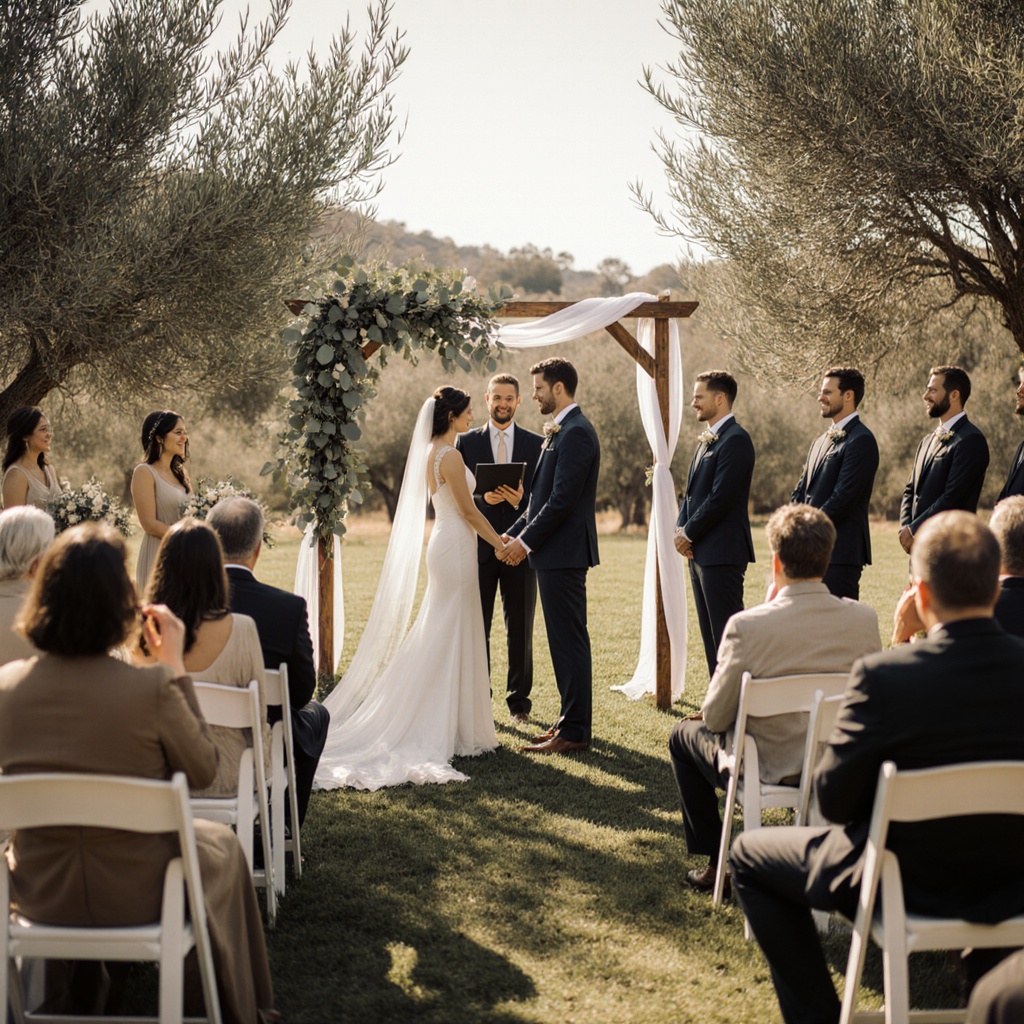
One weekend. All your favourite people.
Your personal invitation
Mara & Leo
Hi , this is what we have planned for you:
Civil ceremony
Friday · 11:30 am
Dinner
Saturday · 6:00 pm
Party
Saturday · from 9:00 pm
Just right
Maybe you are getting married with family in the morning, celebrating with everyone that evening, and meeting again over breakfast the next day.
Not everyone needs the same invitation. You still only need one guest list.


A quick first pass
Choose what you already know. You can add the rest later.
Your wedding weekend is taking shape
0
Pick two events and we will carry your choices straight into setup.
With wedset, you decide which of those each guest is invited to.
Done it this way
“Wir konnten mit Wedset das Gästemanagement unserer Hochzeit super organisieren. Wir hatten jederzeit im Blick, wer kommt und wer nicht und ob die Gäste in Bezug auf beispielsweise Essen Angaben zu „Besonderheiten“ gemacht haben. Auch für die Gäste war es total easy. Einfach den Wedset-QR-Code aus unserer Einladung scannen und Zu- oder Absagen. Wenn etwas technisch nicht funktioniert hat, wurde sofort vom Support reagiert. Alles im Allem ein super Wedding-Planer.”
Leonie & Fabian
What it actually looks like
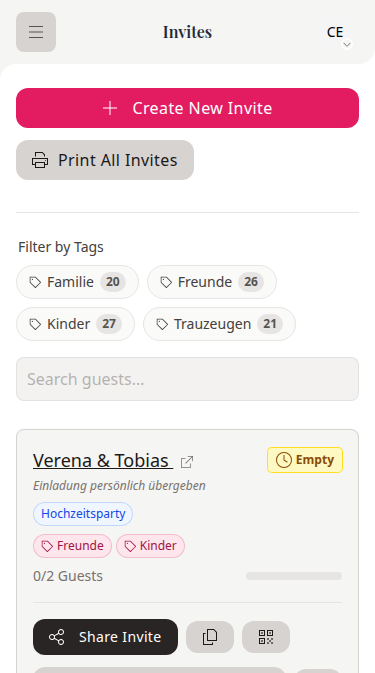
In wedset, every invitation shows its events at a glance. Family, friends, and colleagues stay on the same guest list. With completely different plans.
Event chips show you instantly who is included where.
Several celebrations, one list
When you celebrate over several days and not everyone is invited to everything:
Real couples
„Wir konnten mit Wedset das Gästemanagement unserer Hochzeit super organisieren. Wir hatten jederzeit im Blick, wer kommt und wer nicht und ob die Gäste in Bezug auf beispielsweise Essen Angaben zu „Besonderheiten“ gemacht haben. Auch für die Gäste war es total easy. Einfach den Wedset-QR-Code aus unserer Einladung scannen und Zu- oder Absagen. Wenn etwas technisch nicht funktioniert hat, wurde sofort vom Support reagiert. Alles im Allem ein super Wedding-Planer.“
Leonie & Fabian
„Die App hat uns geholfen den Überblick unserer Gäste zu behalten. Welche Rückinfo steht noch aus, wie sieht es mit Zu-oder Absagen aus, die genaue Anzahl. Alle Gäste in einer Übersicht. Super easy!“
Julia & Julius
„Wir sind unglaublich dankbar, dass wir wedset.app für die Planung unserer Hochzeit genutzt haben! “

Carmen & Henrik
197
vendors in the wedset directory, from ceremony to photography to music. We review every listing before it goes live.
One guest list. As many wedding events as you need.
01
Choose exactly which events each guest is invited to.
02
Guests can accept or decline each event individually.
03
Each guest sees the times, places, and notes that are relevant to them.
How it works
Civil ceremony, reception, party, and whatever else you have planned.
Choose who is invited to each event, person by person.
Each guest gets their own link showing exactly their events.
A few useful answers
You can add unlimited events during the 30-day trial. After that, the number included depends on the plan you choose.
Yes. Someone can accept the civil ceremony and decline breakfast, for example. You will see their answer against each event.
No. Their personal invitation link only shows the events and information you have assigned to them.
Yes. Events can have their own dates, times, and places, whether they happen on one day or across a full wedding weekend.
No. They open their personal link in a browser and respond there.
Add your events once. After that, every guest sees exactly what is meant for them.
Free for 30 days. Decide what comes next when you are ready. See pricing