

Save-the-Date 2027: More Than Just a Card
Why a Save-the-Date for 2027 often comes too early—and how to turn your card into a lively conversation with your guests...
Sent out a PDF invitation but still dealing with RSVP chaos? Discover how your guests really think and how digital invitations finally reach them.

Imagine the other side for a moment. Your invitation lands in a guest’s inbox, buried between 200 unread messages, three delivery notifications, and the family group chat. It’s a PDF. They tap it on their phone while on the train—it doesn’t load properly, the text is tiny, and the thought "I’ll do this later on my laptop" never comes back.
This is where most problems start. Not with the venue, not with the menu, but with whether your information even reaches the people you want by your side on your big day.
The truth is uncomfortable: guests often don’t open attachments at all—or do so far too late. A PDF is a dead end. It needs to be downloaded, zoomed in, and sometimes opened in a different app. On one phone, it looks fine; on the next, half the content is misaligned; and on a third, it doesn’t open at all.
Even if the guest does open it, the real problem comes afterward. The key details—time, address, dress code—get lost. No one remembers "4 PM, vineyard on the edge of town" from a document they skimmed once. Two weeks later, the message arrives: "Hey, what time does it start again?"
An invitation that doesn’t work in your guests’ daily lives doesn’t work at all.
Let’s do the math. Say you’re inviting 60 households. Compact letter, reply card, postage both ways, plus printing and paper. That adds up to a three-digit sum before you’ve even received a single RSVP.
Then comes the part no one talks about: the manual data entry. Reply cards trickle in over weeks, and you transfer them by hand into a list. Somewhere along the way, a number gets mixed up. Who’s vegetarian? Who’s bringing a child? Is Uncle Peter coming or not? This work usually falls on one person—and they’re frustrated.
 Related read
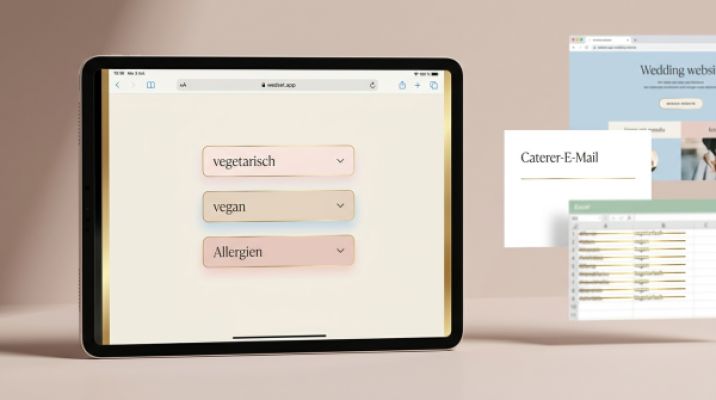
Managing Meal Preferences for 80 Guests Without Spreadsheet Chaos
12 vegetarian, 3 vegan, 1 nut allergy, and 47 cousin notes like "no fish": Here’s how to track meal preferences for 80…
Read more
Related read
Managing Meal Preferences for 80 Guests Without Spreadsheet Chaos
12 vegetarian, 3 vegan, 1 nut allergy, and 47 cousin notes like "no fish": Here’s how to track meal preferences for 80…
Read more
On top of that, there’s the time spent ordering, addressing, and mailing everything.
Sending save-the-dates and invitations separately might seem organized, but it often overwhelms guests. The first time, they jot down the date; the second time, they note the time—only to find the invitation says 3 PM instead of the 4 PM from the save-the-date. A small typo, big consequences.
And the RSVP phenomenon is something everyone knows: the guest is sure they already replied. In their mind, it’s done. Except they never sent the card. You’re counting on them, they’re counting on themselves, and your list has an empty spot.
 Related read
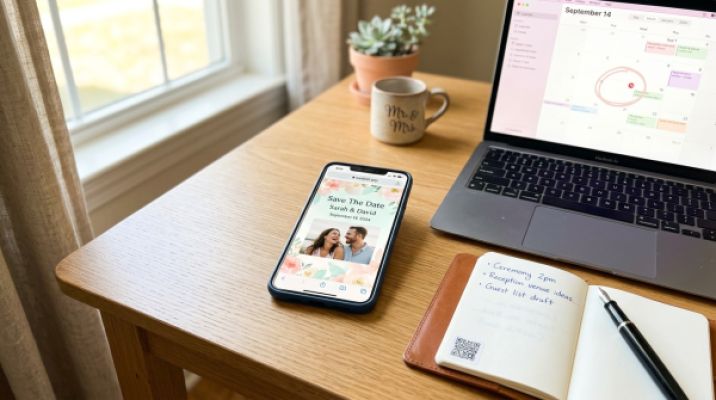
Send Digital Save-the-Dates Stress-Free
New feature from wedset.app: Send digital Save-the-Dates with one-click calendar integration, RSVPs, and a link that…
Read more
Related read
Send Digital Save-the-Dates Stress-Free
New feature from wedset.app: Send digital Save-the-Dates with one-click calendar integration, RSVPs, and a link that…
Read more
If you listen to guests, the list is surprisingly short.
One tap, no download. No attachment, no installation, no app prompts. Tap the link, see the info, done.
Everything in one place. Date, time, address with map link, dress code, directions, and parking. All at a glance, accessible anytime.
An event that lands in their calendar. A button for adding it to their calendar helps, and you can see at a glance who hasn’t responded yet. That way, you can follow up with specific people instead of asking everyone.
Instead of a document, send a link. Guests tap it, see everything important, and can respond immediately—including meal preferences and plus-ones. You see the replies in real time, with no manual data entry. Cheaper, faster, and the list updates itself.
Guest List & RSVP Manage your guests, send invitations, and keep track of all responses. DiscoverA wedding website is the place where everything comes together. Schedule, directions, hotel recommendations, FAQs, RSVP. If something changes, you update it once, and everyone sees the new version instantly. No one has to resend a document.
A QR code on a beautiful card or a link in a chat takes guests straight to all the info on their phone with a single scan. It doesn’t get much easier, especially for guests who ignore mail but never put their phones down.
It doesn’t have to be either/or. If you still want something tangible, send a simple card with a personalized link or QR code. That way, you get the beautiful object and digital management in the background.
Wedding Website Create your personal wedding website with all the details for your guests. DiscoverChecklist
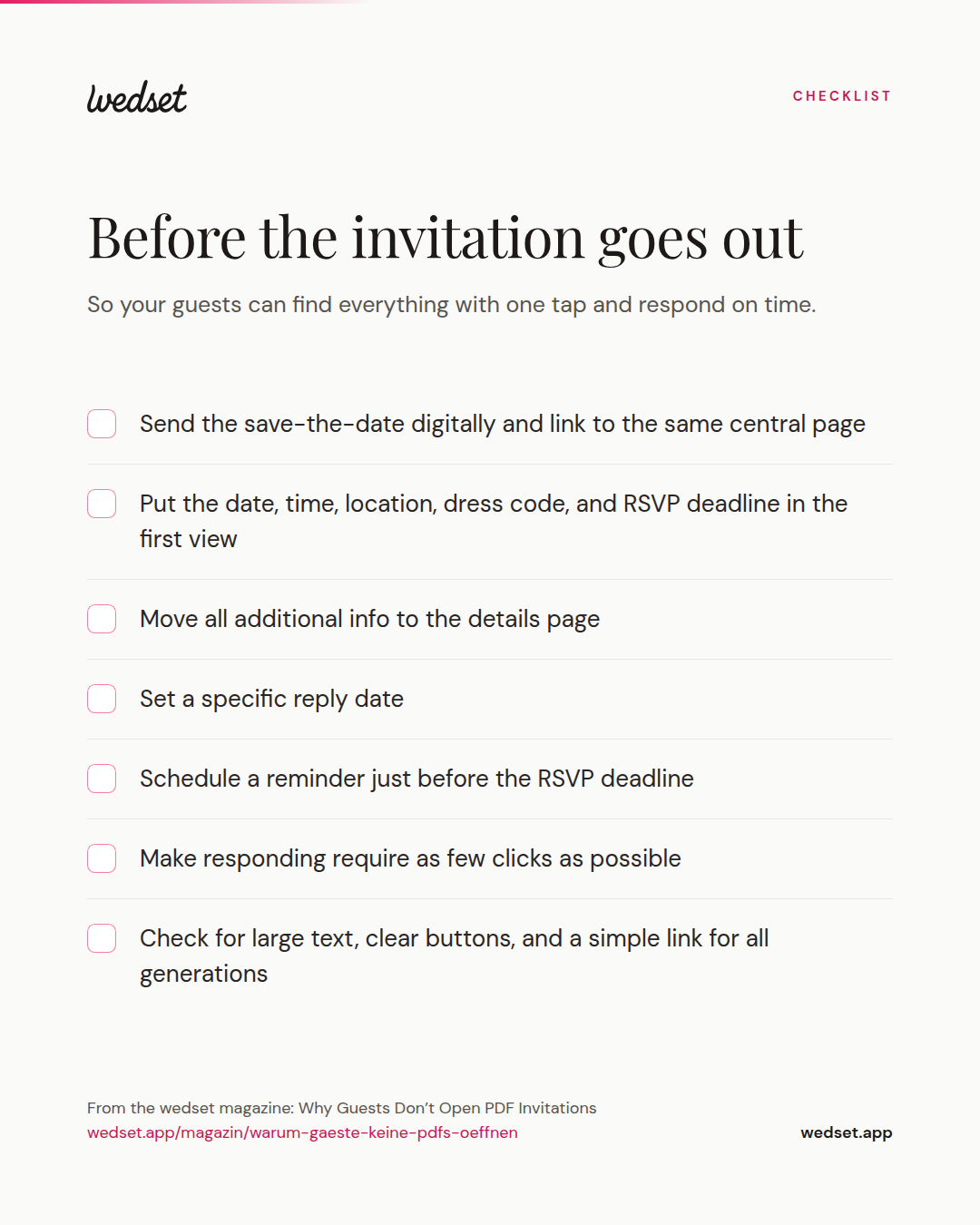
So your guests can find everything with one tap and respond on time.
When you think about your invitation from the guest’s point of view, both sides win. You have less stress because the follow-ups and manual data entry disappear. Your guests have clarity because they can check anytime without searching through chats. And you can plan more reliably because your RSVPs are actually accurate.
An invitation isn’t a decorative object. It’s the tool that gets people to a place at a specific time. And tools should work—especially when someone opens them on the train between 200 messages.
Ready to plan your wedding?
Get started for free with wedset.app, your digital wedding planner.
No, quite the opposite. Digital invitations can be customized with personal messages, photos, and your own design. What makes an invitation personal is the wording and the design—not the material. And if you still want something tangible, you can combine a simple card with a QR code or link.
That’s exactly why a simple link is so valuable: it doesn’t require an app or installation, just a tap. With large text, clear buttons, and a clean layout, even less tech-savvy guests can navigate it easily. If in doubt, a quick call or someone to help the first time they open it can make all the difference.
Set a clear RSVP deadline, make responding as easy as possible with minimal clicks, and send a reminder just before the deadline to everyone who hasn’t replied yet. This eliminates the classic issue where guests think they’ve already responded but never did.
Yes. Even with a small guest list, a central website saves you from answering the same questions and prevents misunderstandings. All the information is in one place, updates are visible to everyone instantly, and you don’t have to send anything multiple times.
More ideas and experience for the planning ahead.
Why a Save-the-Date for 2027 often comes too early—and how to turn your card into a lively conversation with your guests...

Who should you invite to your engagement party? Discover why this small celebration secretly shapes your wedding guest l...

A civil ceremony doesn’t replace the registry office. Here’s how to smartly plan both dates in Münster & Dortmund—withou...